

Disable sending
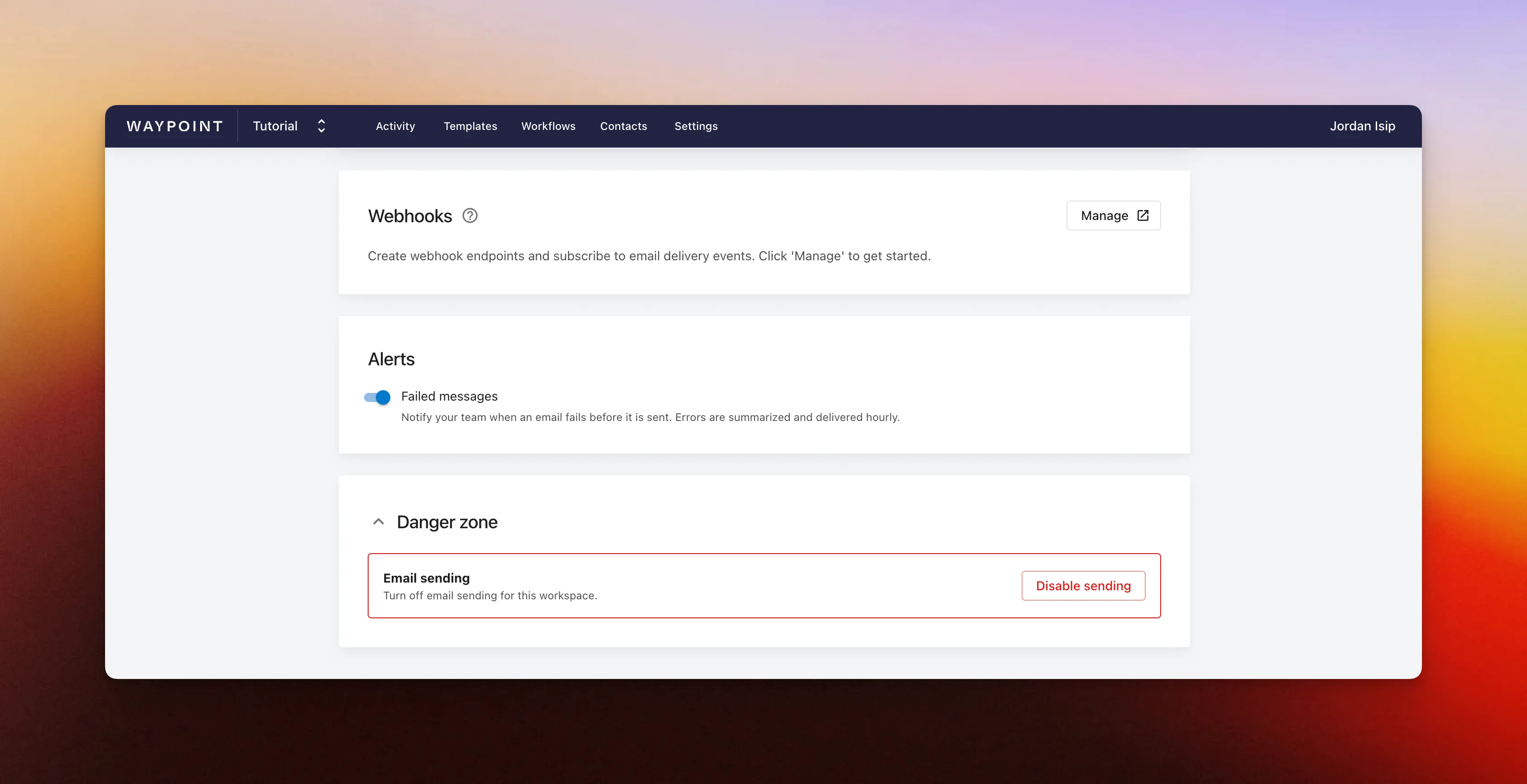
Workspace owners and admins can disable email sending for an entire workspace from the Settings page. Use this as a workspace-level pause when you need to stop outgoing messages quickly, such as while investigating a production bug, bad deploy, incorrect template data, or any other issue that could affect recipients.
When sending is disabled, the workspace cannot send emails until an owner or admin turns sending back on.
Disable email sending
Section titled “Disable email sending”- Open your workspace’s Settings page.
- Scroll to the Danger zone section and expand the section.
- Click Disable sending.
- Confirm the change.
Re-enable email sending
Section titled “Re-enable email sending”When the issue is resolved, return to the Danger zone section of your workspace settings and click Re-enable sending and confirm.
Only workspace owners and admins can disable or re-enable sending.