

Contacts list
As your email volume grows, it gets harder to keep track of what’s been sent to each person. The Contacts page gives you a single view of everyone you’ve emailed, and each contact has a full timeline of message events.
Individual contact
Section titled “Individual contact”Two ways to open a contact page:
- Click an email address inside any message activity log.
- Click ‘Contacts’ in the top nav to see all your contacts, sorted by most recent message.
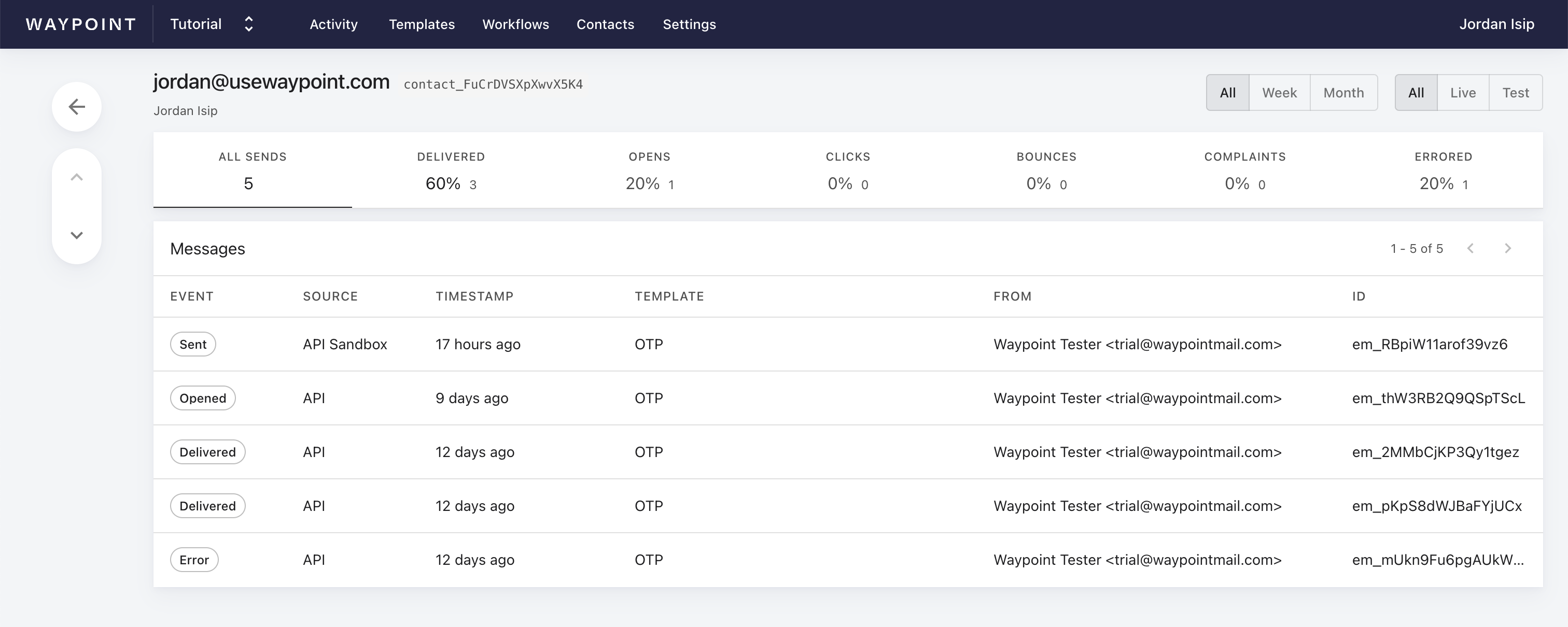
From here, you can view metrics and filter that contact’s activity.