

Template layouts
Layouts let you share content blocks and styles across templates — less duplication, and a faster way to keep headers, footers, and styling consistent.
Manage layouts
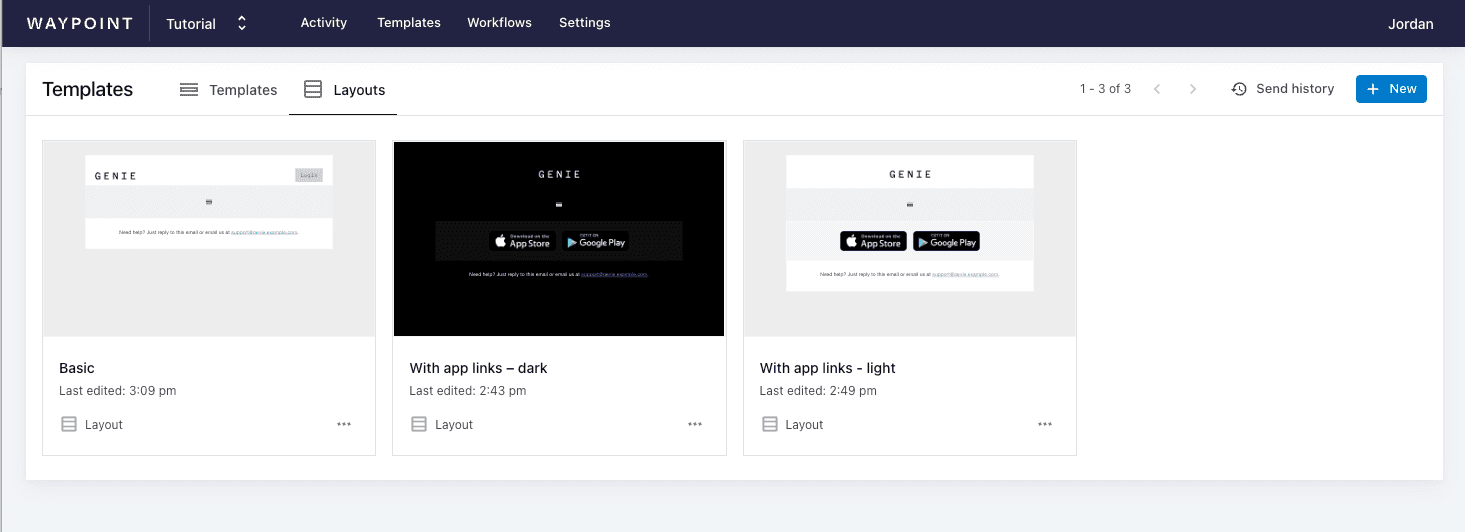
Section titled “Manage layouts”To manage layouts in the Waypoint dashboard, go to your Templates page and open the Layouts tab.
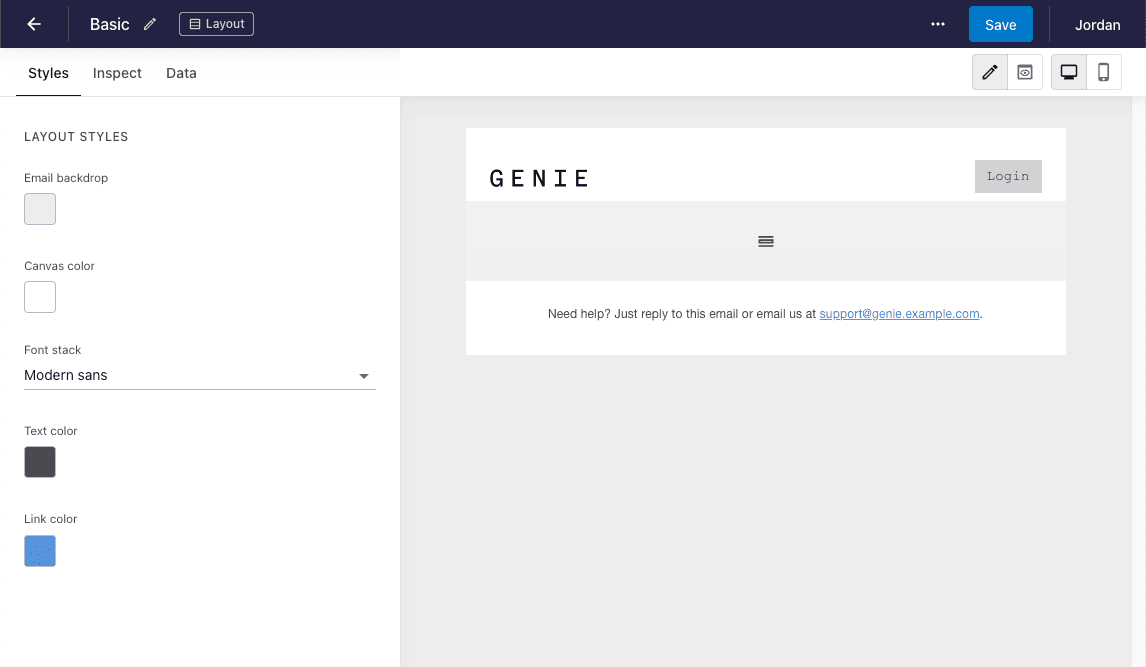
The layout builder works just like the template builder, but with a placeholder for your template content. The placeholder is where the nested template’s blocks render — add anything you want to share across templates (logos, headers, footers, etc.) around it.
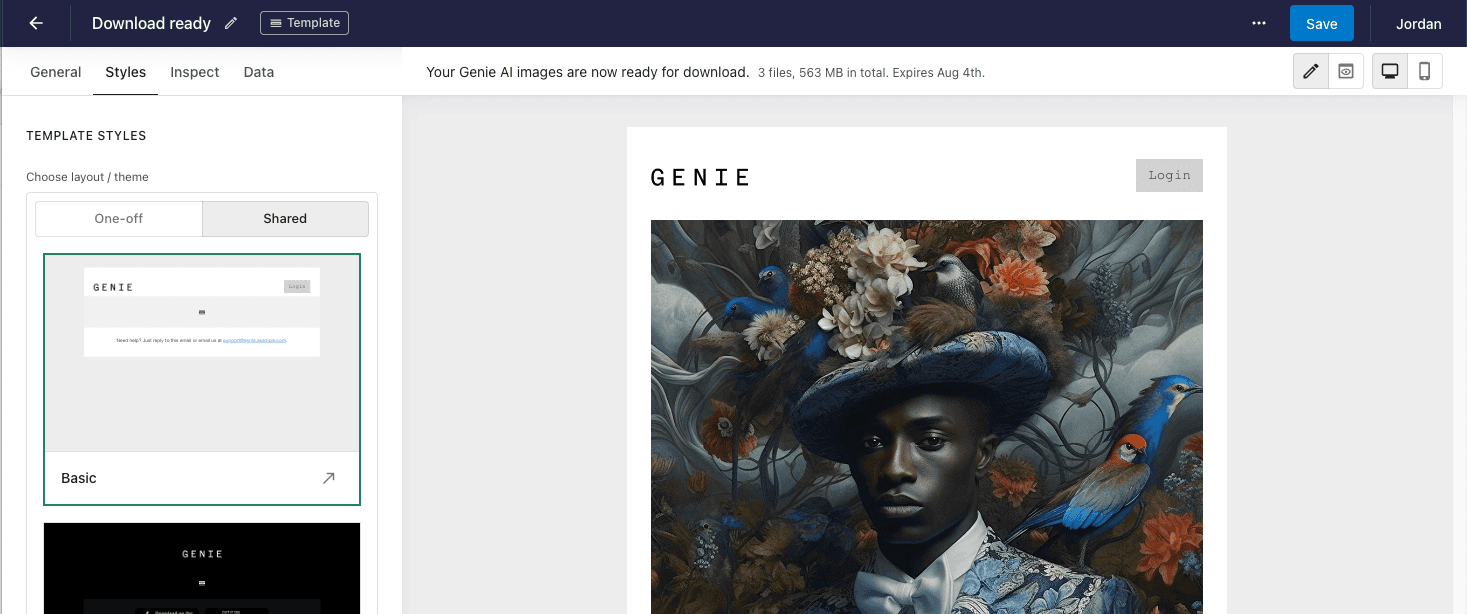
To use a layout, pick it from the shared layouts section in the ‘Styles’ tab of a template.
Duplicating an existing template as a layout
Section titled “Duplicating an existing template as a layout”Already have a template with headers and footers you’d like to reuse as a layout? Click ‘Duplicate as template’ from the actions menu on the template.