

Threading replies
By default, Waypoint keeps email replies from being grouped into a single thread, so transactional messages (receipts, password resets, etc.) stay separate in the inbox.
There are cases where threading is useful, though — for example, keeping back-and-forth replies in one conversation.
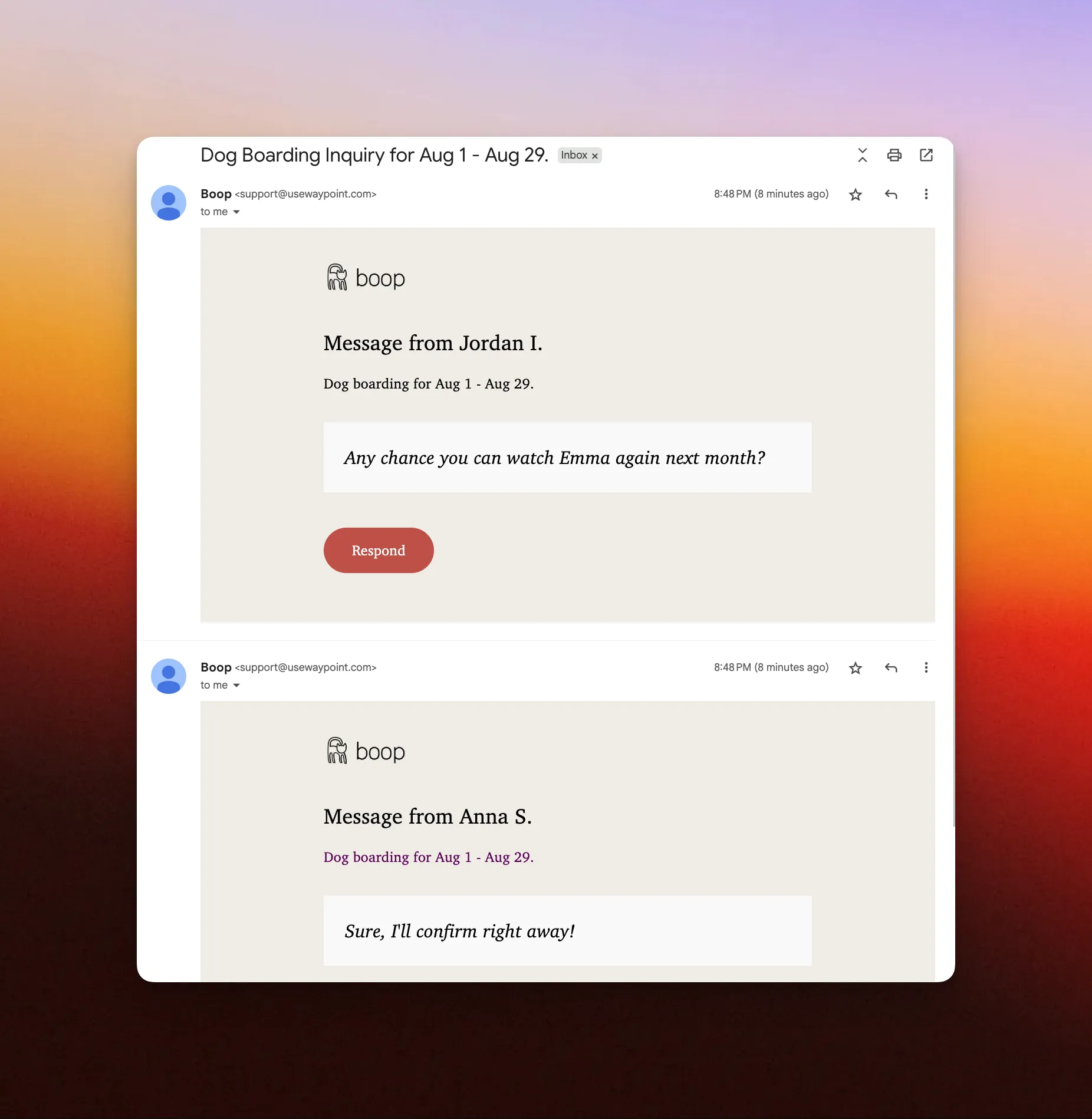
Example of threaded replies on Gmail sent through Waypoint.
Enabling threading
Section titled “Enabling threading”Turn on threading when sending an email via API API:
-
Use a thread identifier – pass a
referencesproperty insideheaderswith a unique ID. For legacy reasons, the ID must look like an email address. Example:reservationRequest_2334234@boop-marketplace.com. -
Keep the subject line identical across replies – if your subject uses dynamic variables, make sure the rendered output stays the same. Example:
Dog Boarding Inquiry for {{reservationRequest.startDate}} - {{reservationRequest.endDate}}.
Code example
Section titled “Code example”const authHeader = 'Basic ' + Buffer.from(`${API_KEY_USERNAME}:${API_KEY_PASSWORD}`).toString('base64');
const options = { method: 'POST', headers: { 'Content-Type': 'application/json', Authorization: authHeader, }, body: JSON.stringify({ templateId: 'wptemplate_ABc123XYZ', to: 'jordan@usewaypoint.com', variables: { reservationRequest: { id: '2334234', fromDisplayName: 'Anna', startDate: 'Aug 1', endDate: 'Aug 29', message: 'Any chance you can watch Emma again next month?', }, }, headers: [ { // References value must be formatted as an email address. references: 'reservationRequest_2334234@boop-marketplace.com', }, ], }),};
fetch('https://live.waypointapi.com/v1/email_messages', options) .then((res) => res.json()) .then((res) => console.log(res)) .catch((err) => console.error(err));