Using quick templates
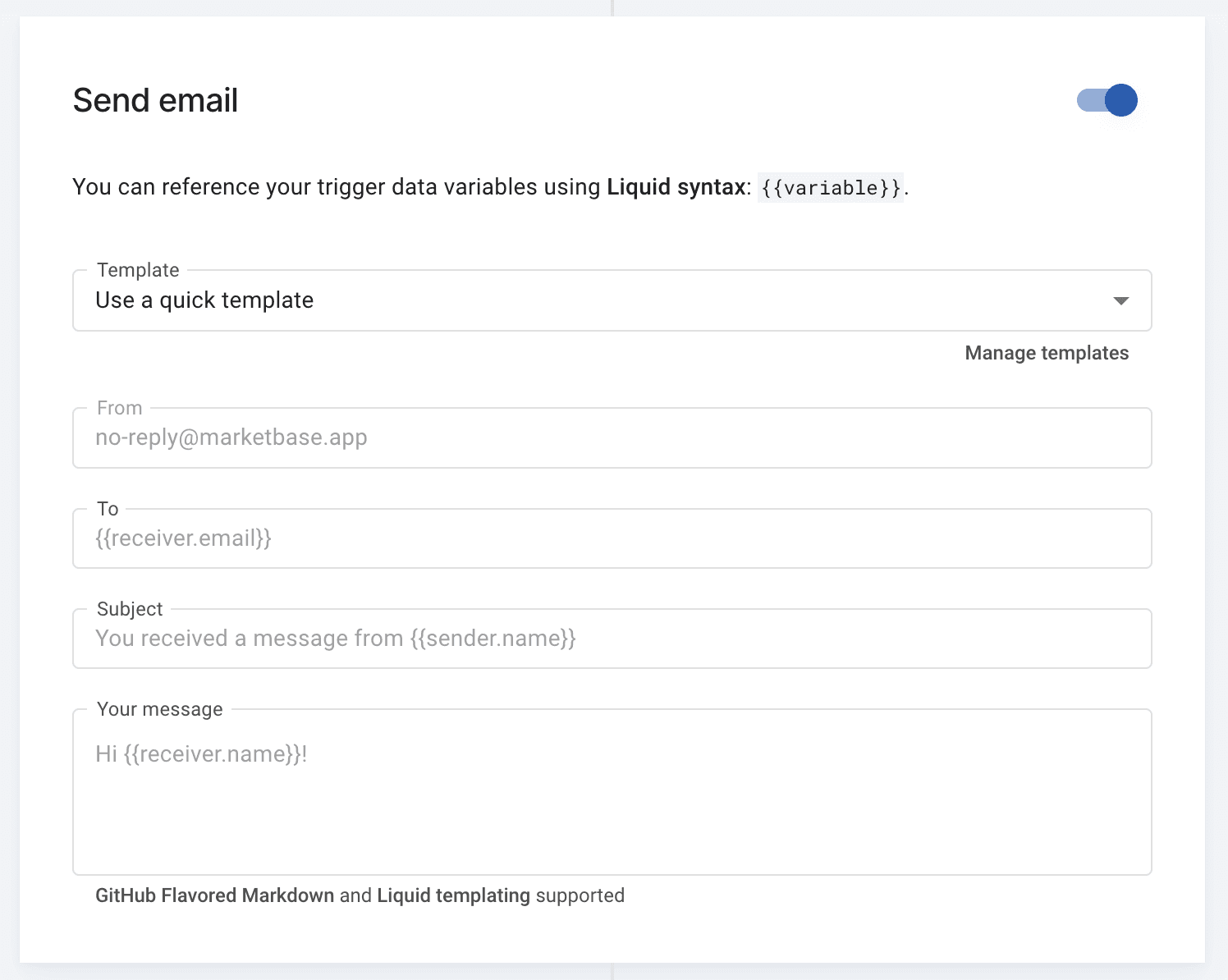
Inside a workflow, you can send a plain, unbranded email using a ‘quick template’. These work well when you want the email to feel like a personal message — which usually means better engagement. Select ‘Use a quick template’ in the ‘Send email’ section of a workflow instead of picking an existing template.
Like your branded templates, quick templates support trigger data via Liquid templating syntax.