Canceling a workflow
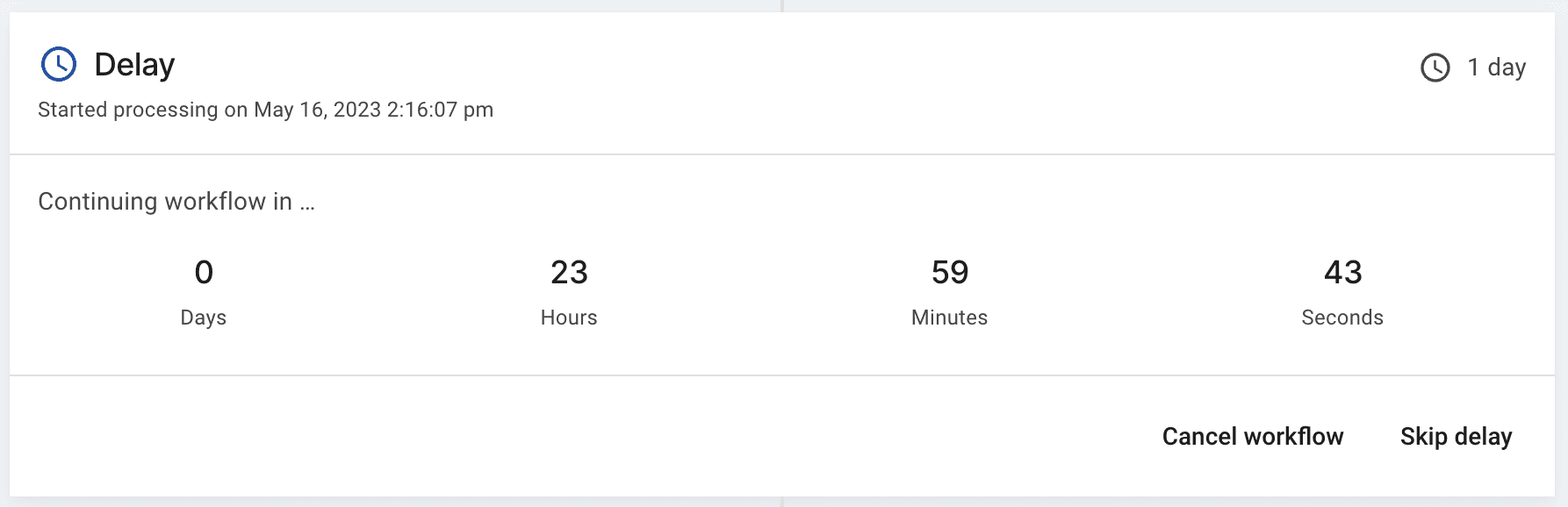
If a workflow has steps that aren’t processed immediately, you can cancel the run before they happen.
- From ‘Workflows’, open ‘Run history’ and select the run you want to cancel.
- On a pending step, click ‘Cancel workflow’.
Canceling stops the workflow and skips any remaining steps.