Alerts
Alerts help your team stay informed when important events occur in your workspace. You can manage alerts from the Alerts section of your workspace’s settings page.
Plan availability
Section titled “Plan availability”Alerts are available on the following plans:
- Growth
- Pro
Learn more about plans on Waypoint.
Manage alerts
Section titled “Manage alerts”- Open your Settings page
- Scroll to the Alerts section
- Use the toggle next to an alert to turn notifications on or off
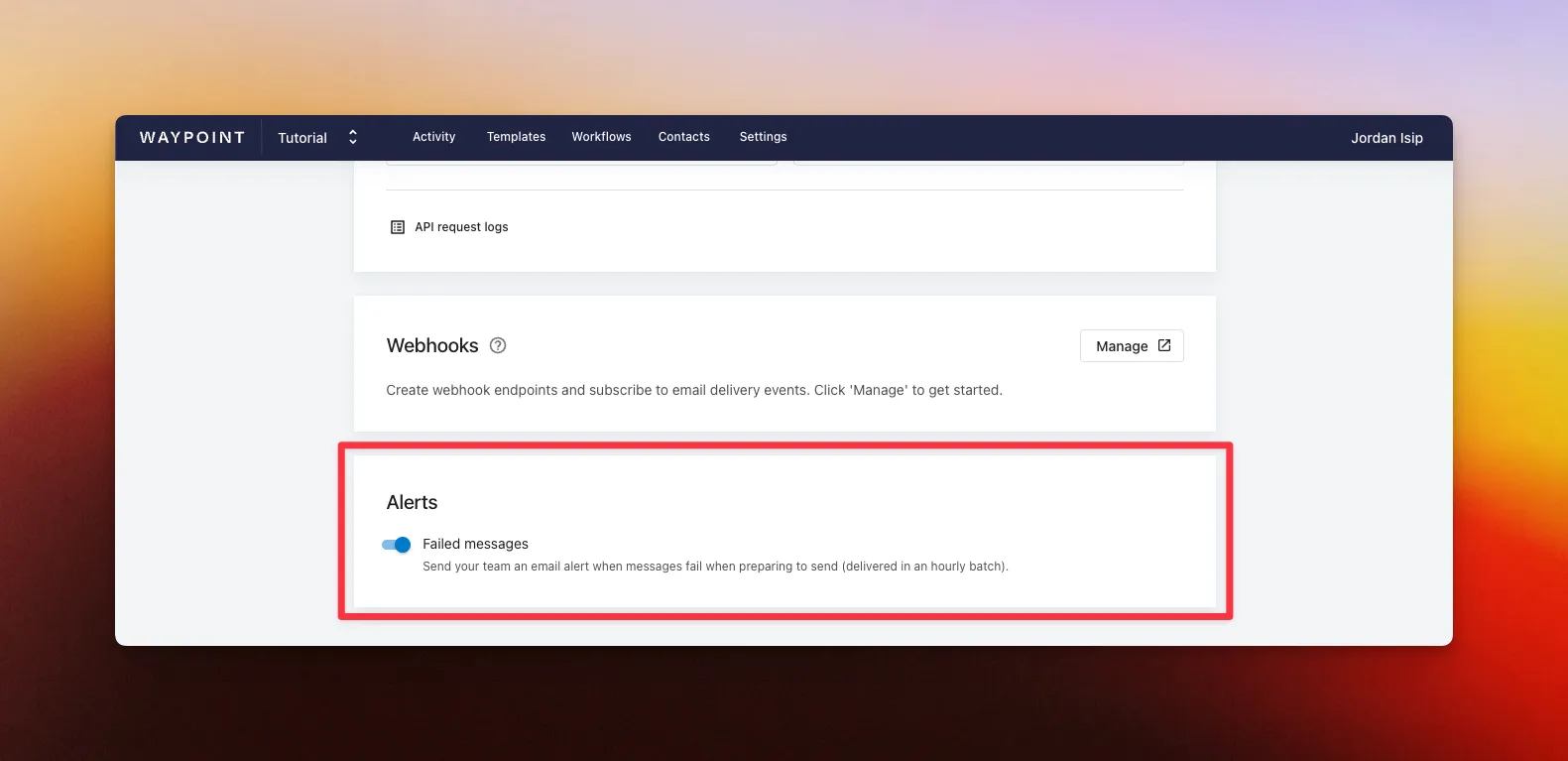
When enabled, alerts are sent in hourly batches and are emailed to all team members in your workspace.
Failed message alerts
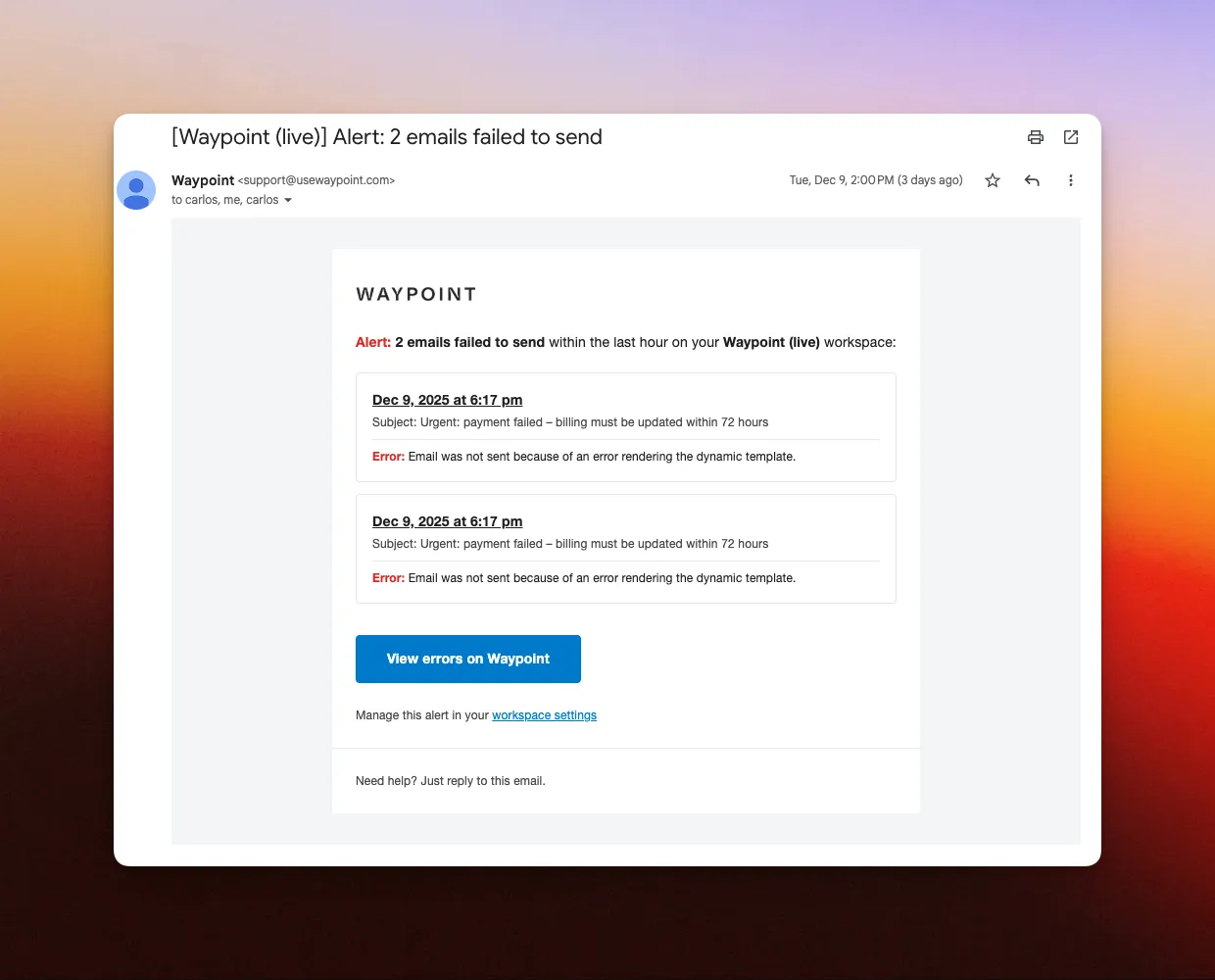
Section titled “Failed message alerts”Failed message alerts notify your team when email messages hit an error and fail before they’re sent.
These errors can happen because of:
- A missing or invalid recipient
- Missing required template variables
- Other processing issues before delivery
Example of a failed message email alert: