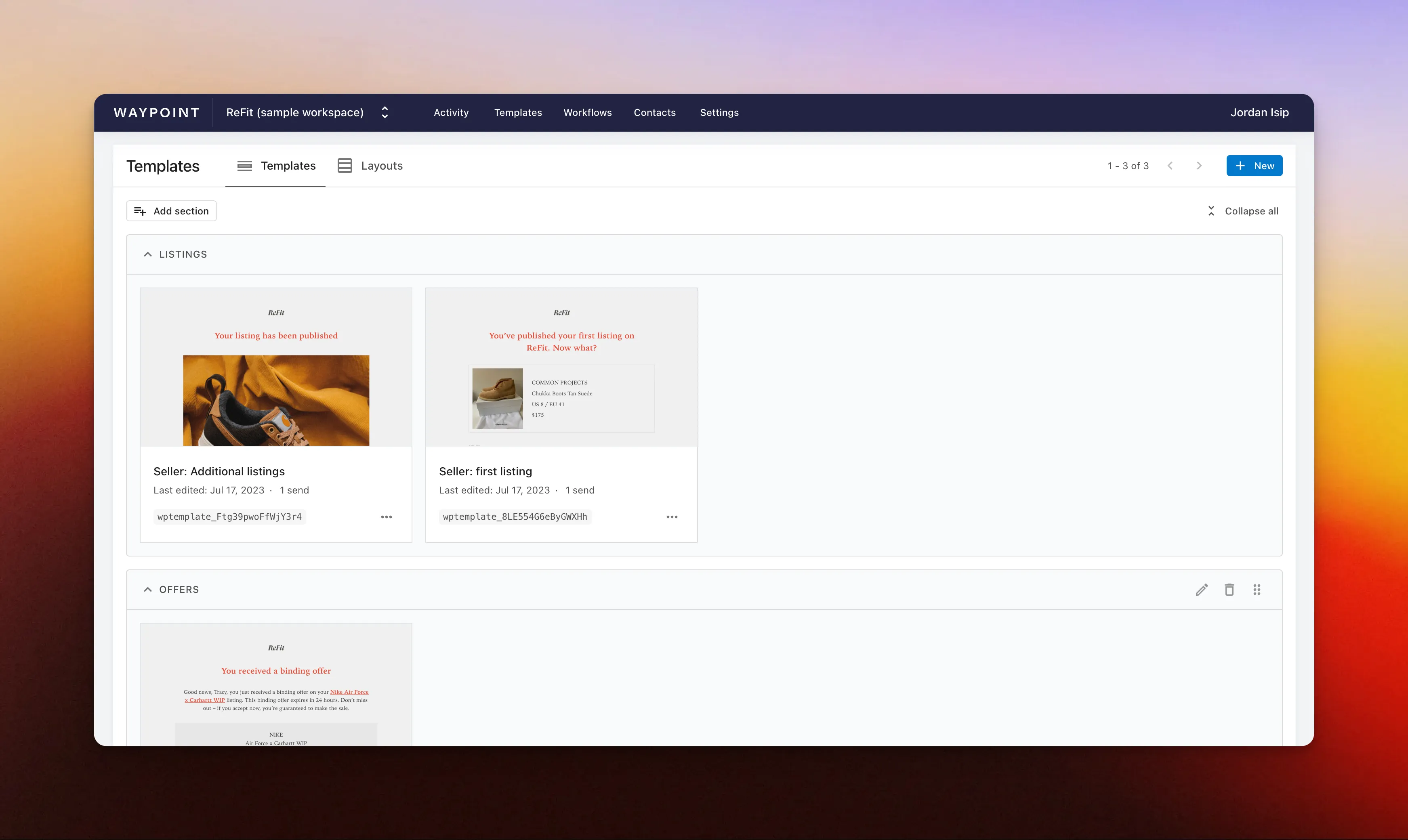
Organize templates with sections
You can now create and manage sections on your templates list page to keep your templates organized as your workspace grows.
Sections make it easier for you and your team to group related templates, like onboarding emails, receipts, alerts, lifecycle messages, or customer support workflows, so you can find what you need faster.
Simply drag and drop templates in and out of sections, reorder sections, and rename them as your workflow changes. This gives your team a lightweight way to keep a growing template library clean, organized, and easy to navigate.