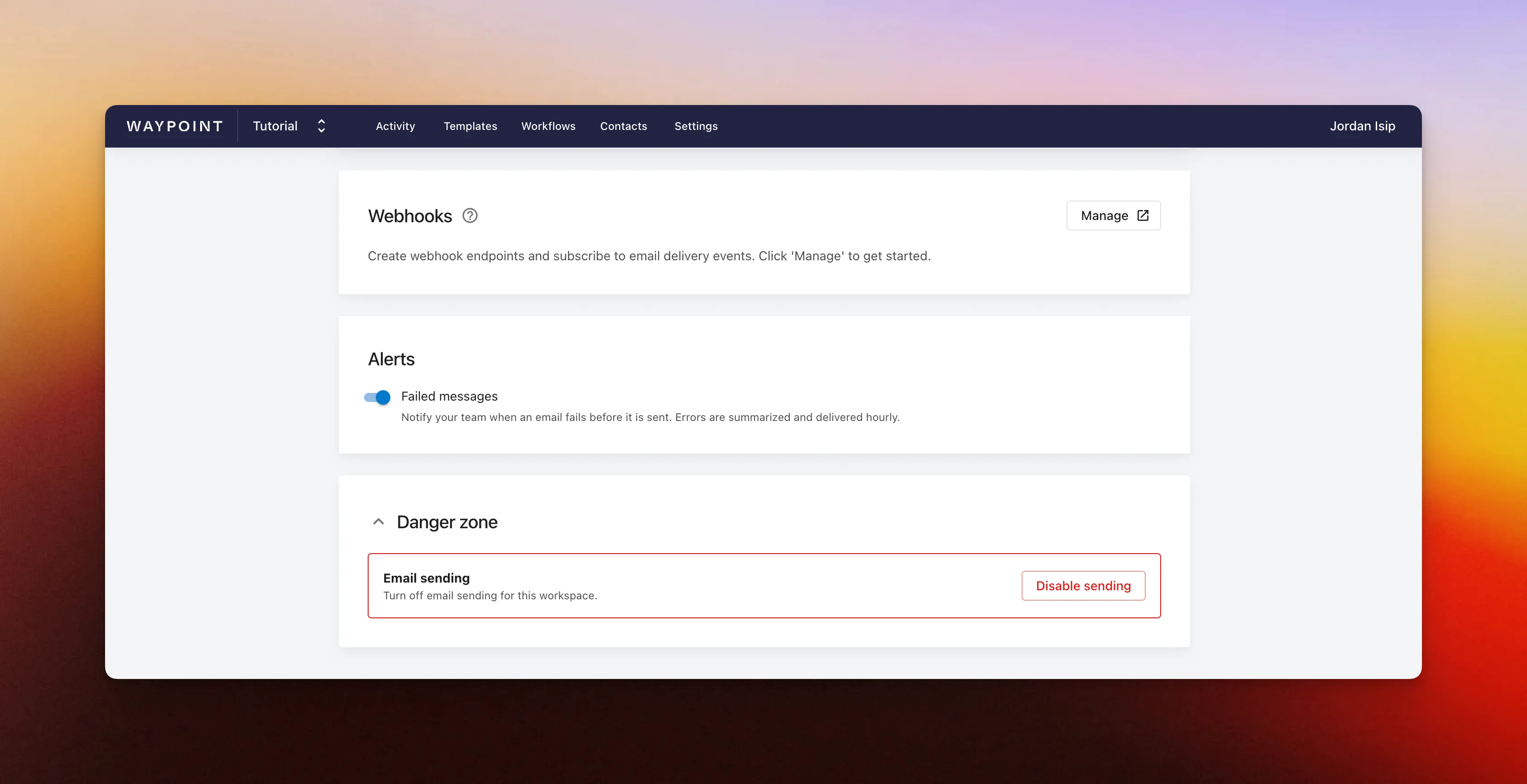
Disable workspace sending
Workspace owners and admins can now disable and re-enable email sending for an entire workspace from the Settings page.
This gives teams a fast, workspace-level pause button when something needs immediate attention. If there is a production bug, bad deploy, incorrect template data, or another issue that could send the wrong or broken email to customers, admins can temporarily stop outgoing messages while the team investigates and fixes the problem.
Once the issue is resolved, an owner or admin can re-enable sending from the same section in Settings.